
QuickBooks Accounts Payable Automation Guide for 2026
Manual accounts payable tasks can drag down even the most nimble business. Imagine if by 2026, every invoice, approval, and vendor payment was handled automatically in QuickBooks, freeing your team for more valuable work.
This guide offers a step-by-step roadmap for mastering quickbooks accounts payable automation. You will discover the latest trends, must-have features, integration techniques, and practical strategies for optimizing your finance operations.
Ready to unlock time savings, boost accuracy, and gain a real competitive edge? Dive in and learn how to future-proof your accounts payable workflows for the years ahead.
The Evolution of Accounts Payable Automation in QuickBooks
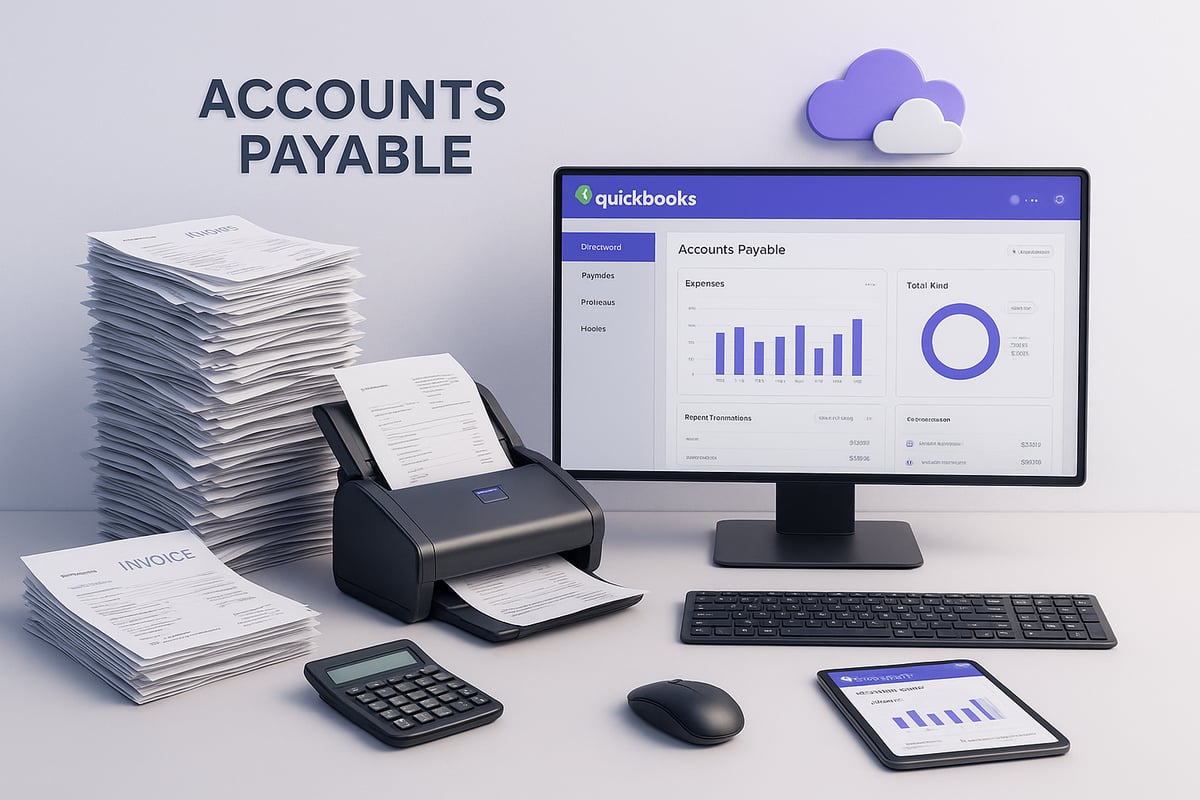
Manual accounts payable processes once dominated business life, with teams buried under stacks of paper invoices and endless data entry. Today, quickbooks accounts payable automation is rewriting those routines, letting finance leaders focus on strategy rather than paperwork.
A Brief History of Accounts Payable and QuickBooks
In the early days, accounts payable (AP) was all about paperwork. Staff manually sorted invoices, typed each entry, and organized physical check runs. Errors were common and tracking payments was a challenge.
QuickBooks entered the scene in the 1990s, offering basic bill entry and check-printing features. This was a step forward, but many AP tasks still required hands-on effort. As businesses grew, they needed more than just digital bookkeeping.
Third-party AP automation tools began to appear, integrating with QuickBooks and moving businesses closer to a paperless environment. Regulatory shifts, like stricter audit trails and digital recordkeeping requirements, pushed companies to modernize further.
Recent years brought a wave of innovation:
- OCR (Optical Character Recognition): Software scans invoices, extracting data automatically.
- AI-driven capture: Machine learning improves accuracy and speeds up processing.
- Cloud-based AP: Teams access and manage accounts payable from anywhere, supporting remote work.
Timeline Table: Evolution of QuickBooks AP
| Year | Key Milestone | Impact |
|---|---|---|
| 1992 | QuickBooks launches | Basic digital AP |
| 2005 | Third-party integrations | Partial automation |
| 2015 | Cloud-based AP tools | Remote, scalable workflows |
| 2023 | AI and OCR innovations | Real-time, touchless capture |
A striking example: companies that used to lose invoices in the shuffle now process them directly from email to QuickBooks without any manual entry. According to Ardent Partners, nearly 70% of SMBs plan to adopt quickbooks accounts payable automation by 2026, a sign of how essential digital AP has become.
2026 Trends Shaping QuickBooks AP Automation
Looking ahead, quickbooks accounts payable automation is entering a new phase powered by intelligent technology and changing business needs.
Here are the trends transforming AP by 2026:
- AI and Machine Learning: Invoices are matched to purchase orders in seconds, reducing errors and freeing up staff.
- Real-Time Payments: Instant vendor payouts through networks like FedNow are becoming the norm.
- Security Enhancements: Multi-factor authentication and advanced encryption protect sensitive payment data.
- Global Payment Integrations: AP workflows now support cross-border payments, automatically handling currency conversions and compliance.
- ESG Compliance: Companies are weaving environmental and social governance into their AP reporting.
For instance, AI can now flag duplicates or suspicious invoices before money leaves your account. Automated AP reduces processing costs by up to 80%, according to PYMNTS.com in 2024.
The market for quickbooks accounts payable automation is expanding rapidly. Accounts Payable Automation Market Growth reports that adoption rates are climbing as businesses seek efficiency, transparency, and a competitive edge.
By embracing these trends, organizations are not just keeping up—they are building future-ready finance operations.
Key Features of Accounts Payable Automation in QuickBooks
Unlocking the full potential of quickbooks accounts payable automation starts with understanding its core features. Each tool within QuickBooks brings a layer of efficiency, accuracy, and real-time control to your accounts payable process. Let’s break down the innovations that shape modern AP workflows.
Intelligent Invoice Capture and Data Extraction
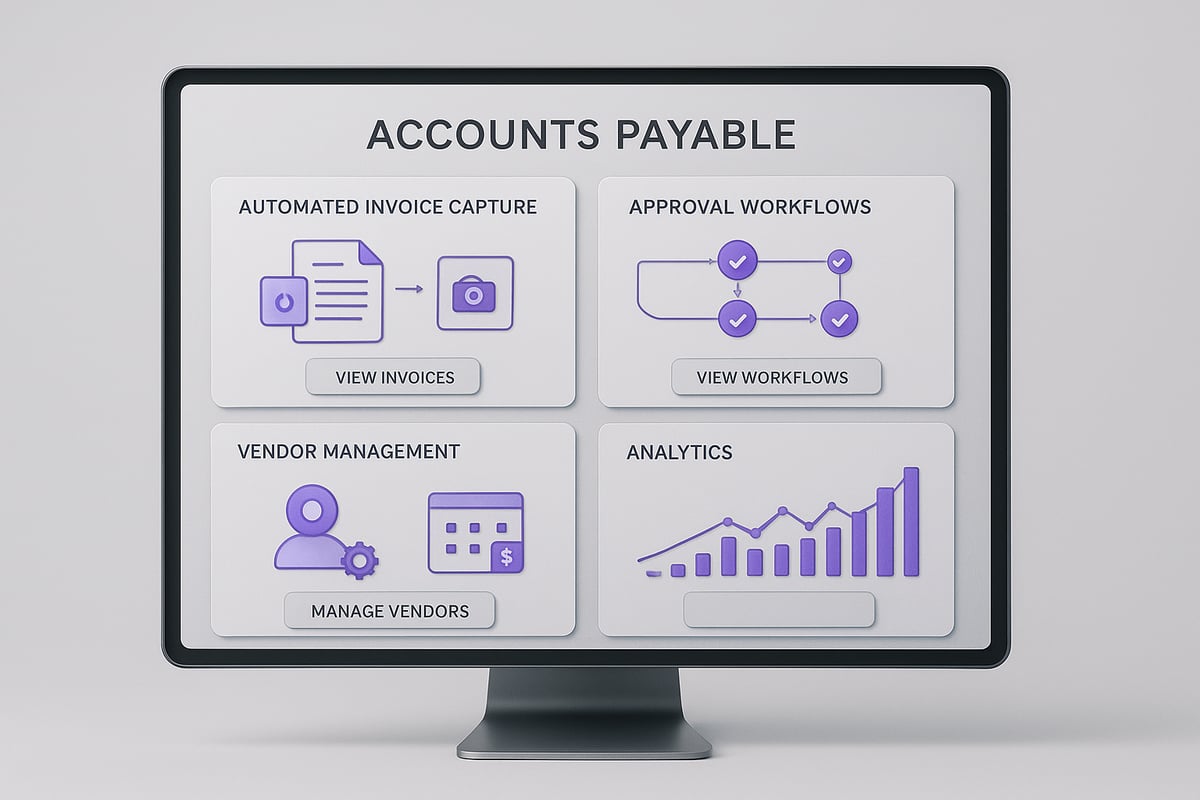
Quickbooks accounts payable automation begins with intelligent invoice capture. Modern systems use AI-powered optical character recognition (OCR) to scan invoices from PDFs, emails, or even mobile photos. This technology pulls out vendor names, amounts, due dates, and purchase order numbers, auto-filling these details in QuickBooks.
By eliminating manual data entry, errors drop sharply. For example, when a vendor emails a PDF invoice, the system instantly creates a draft bill in QuickBooks, ready for review. This not only saves time but also ensures information is consistent across your records.
Automated Approval Workflows
One of the biggest headaches in traditional AP is chasing approvals. With quickbooks accounts payable automation, customizable workflows let you set multi-level approval chains for different invoice amounts or departments.
Approvers get notifications by email or mobile app, making it easy to review and sign off from anywhere. Every action is logged, creating a transparent audit trail for compliance. Imagine a CFO approving urgent invoices on their phone while traveling, keeping operations moving with zero bottlenecks.
Seamless Vendor Management
Managing vendors is much simpler with quickbooks accounts payable automation. All vendor data, including payment preferences and contact details, lives in a centralized database.
New vendors can be onboarded automatically, with digital W-9 collection and required documentation stored securely. Self-service portals empower vendors to check invoice status or update their details, which lightens your AP team’s workload and improves vendor satisfaction.
Payment Scheduling and Execution
Scheduling and executing payments is a core benefit of quickbooks accounts payable automation. You can set up ACH, wire, or virtual card payments to run on specific dates, maximizing cash flow and capturing early payment discounts.
Integration with direct bank transfer methods enables seamless payments to vendors, reducing manual intervention and risk. When the system pays each vendor right on the due date, you avoid late fees and strengthen relationships, all while keeping your cash position optimal.
Advanced Reporting and Analytics
Finally, quickbooks accounts payable automation delivers powerful analytics and reporting. Real-time dashboards show AP aging, liabilities, and upcoming cash needs. Custom alerts flag duplicate invoices, fraud risks, or late payments before they become bigger problems.
Exportable reports support audits and strategic planning. Companies leveraging these analytics often close their books 40 percent faster, giving finance teams more time to focus on growth instead of paperwork.
Step-by-Step Guide: How to Automate Accounts Payable in QuickBooks for 2026
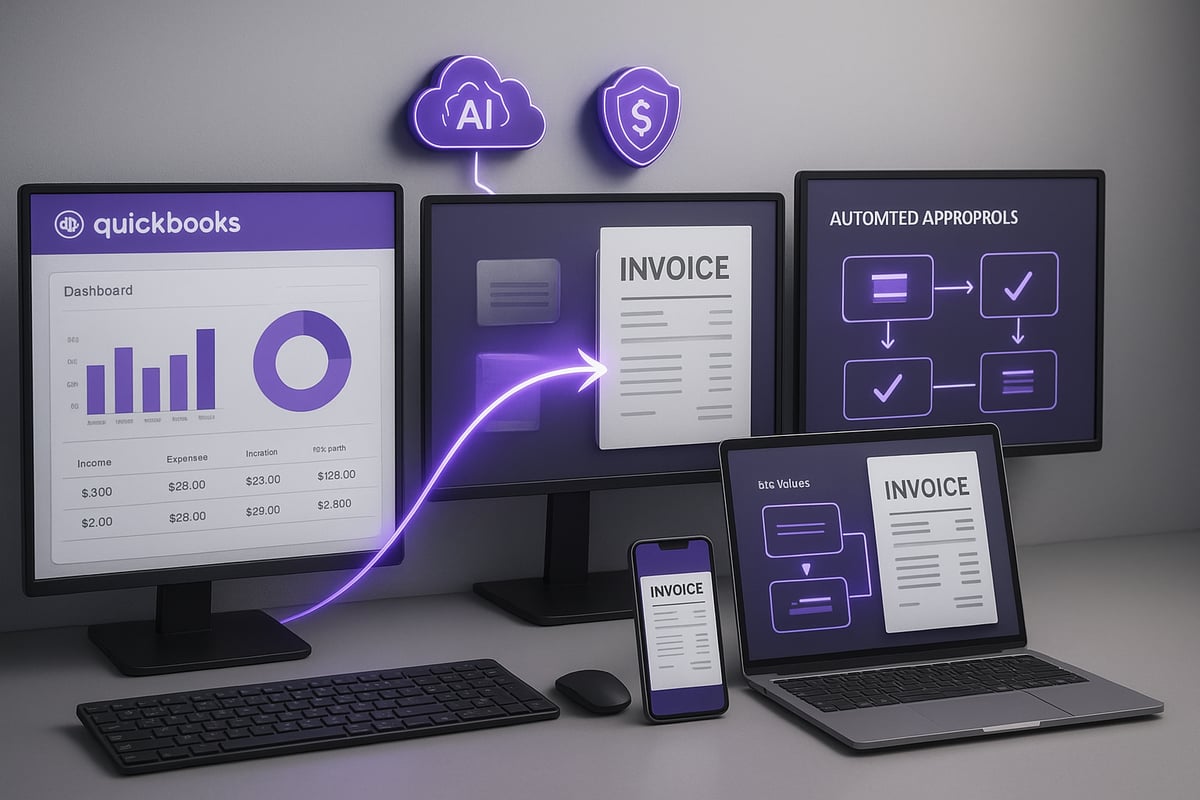
Manual processes can weigh down even the most organized finance teams. If you want to bring your accounts payable workflow into the future, this step-by-step guide will walk you through how to leverage quickbooks accounts payable automation for streamlined, secure, and scalable results.
Step 1: Assess Your Current AP Workflow
Begin by mapping out your existing accounts payable process. Take a close look at how invoices are received, entered, approved, and paid. Are most steps handled on paper or email? Where do delays and errors occur? Interview your AP staff and other stakeholders to gather honest feedback.
Common pain points include lost invoices, duplicate payments, and lengthy approval timelines. For example, a company might find that invoices sit in managers’ inboxes for days, delaying vendor payments and causing late fees. Document each manual step, and note which ones could be improved with quickbooks accounts payable automation.
Next, identify key bottlenecks. Is invoice entry slowing you down? Are approvals always late? Understanding these details will help you prioritize which automation features will deliver the biggest impact. The better your assessment, the more successful your automation journey will be.
Step 2: Choose the Right QuickBooks AP Automation Solution
Now that you have a clear picture of your current workflow, explore solutions that fit your needs. Start by deciding if you’ll use QuickBooks Online or Desktop, as not all tools support both. Compare built-in QuickBooks features with leading third-party AP automation platforms such as Bill.com or MineralTree.
Here’s a quick comparison table to help:
| Feature | Built-in QuickBooks | Third-Party Add-ons |
|---|---|---|
| AI invoice capture | Limited | Advanced |
| Multi-level approvals | Basic | Customizable |
| Vendor self-service | No | Yes |
| Cross-border payments | Limited | Robust |
Consider scalability, integration ease, and support options. Read user reviews and request demos. For a comprehensive breakdown of benefits and real-world implementation, check the QuickBooks AP Automation Guide.
Don’t forget to weigh the costs and contract terms. An SMB with remote teams might prefer a cloud-based platform for flexible access. The right quickbooks accounts payable automation solution should fit your business size, growth plans, and compliance needs.
Step 3: Integrate and Configure Automation Tools
Once you’ve selected your platform, it’s time to connect it to QuickBooks. Most modern AP automation solutions offer direct API integrations or sync tools. Start by importing your vendor lists and mapping your chart of accounts. Set up user permissions so only authorized staff can approve payments or access sensitive data.
Configure approval rules based on invoice value, department, or vendor. For example, invoices over $10,000 might require CFO approval, while smaller bills route to department heads. Here’s an example of a simple approval rule in pseudo-code:
if invoice.amount > 10000:
    require_approval(CFO)
else:
    require_approval(DepartmentHead)
Your IT team should enable single sign-on for security and ease of use. Test the integration by running a few sample invoices through the workflow. Quickbooks accounts payable automation works best when technical setup is solid and user roles are clearly defined.
Step 4: Digitize Invoice Capture and Entry
Transforming invoice capture is a game-changer for AP teams. Enable email forwarding or portal uploads so vendors can submit invoices digitally. Modern systems use OCR (Optical Character Recognition) with AI to read invoice details and auto-populate fields in QuickBooks.
Train your staff to review and validate captured data. Set up alerts for exceptions, such as mismatched totals or missing purchase orders. For example, with quickbooks accounts payable automation, 90 percent of invoices could be processed without manual entry, dramatically cutting errors and processing times.
A sample workflow:
- Vendor sends invoice to dedicated email
- System extracts data and creates bill in QuickBooks
- Staff receives notification to review exceptions
- Approved invoices flow directly to payment scheduling
This step not only boosts accuracy but also frees up your team for higher-value work.
Step 5: Automate Approval and Payment Processes
Build out approval workflows that match your company’s policies. Use customizable chains so invoices route to the right people automatically. Quickbooks accounts payable automation platforms often support mobile and email-based approvals, allowing managers to review invoices on the go.
Schedule payments to optimize cash flow and capture early discounts. Integrate with your bank for seamless ACH, wire, or virtual card payments. Notifications keep everyone informed about pending approvals or payment status.
For example, a controller might approve invoices from their phone while traveling, ensuring nothing gets delayed. Automation here reduces bottlenecks and strengthens vendor trust by paying on time, every time.
Step 6: Monitor, Measure, and Optimize
With your system live, set up dashboards to track KPIs like invoice processing time, error rates, and payment cycles. Use analytics to spot trends and uncover further automation opportunities. Quickbooks accounts payable automation platforms often provide real-time alerts for duplicates, fraud, or overdue payments.
Solicit regular feedback from your AP team and vendors. Hold quarterly reviews to assess performance. For example, a company might find a 50 percent reduction in AP processing time after automation. Adjust workflows, update training, and stay informed about software updates to keep your system running at peak efficiency.
Continuous improvement ensures your accounts payable process remains resilient and competitive, ready for whatever 2026 brings.
Best Practices for QuickBooks Accounts Payable Automation
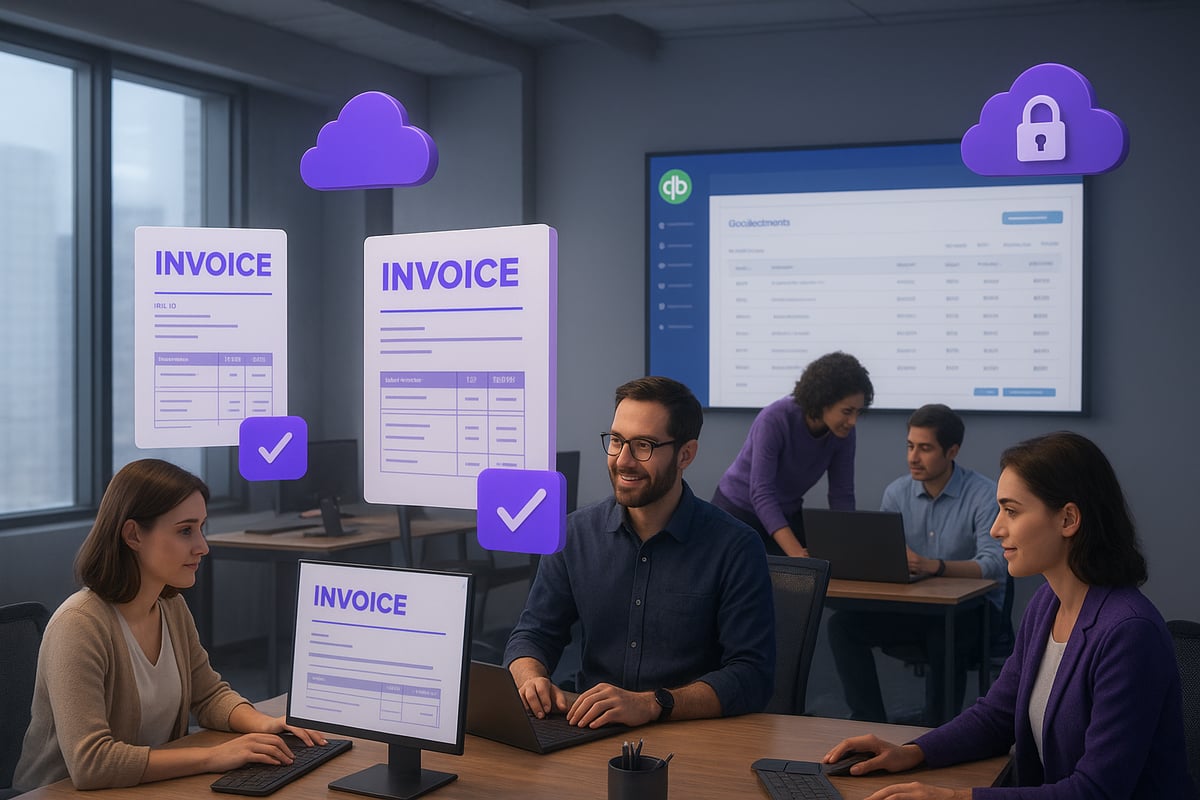
The road to frictionless finance is paved with the right habits. QuickBooks accounts payable automation can transform your payables from a source of stress to a strategic advantage. But to fully realize the value, it’s essential to follow proven best practices that guard data, empower teams, optimize cash flow, and keep you ahead of the curve.
Ensuring Data Accuracy and Security
Protecting financial data is non-negotiable. With quickbooks accounts payable automation, regularly audit vendor records and user access. Automated systems simplify compliance, but you must configure permissions and encrypt sensitive information to prevent fraud or breaches.
Quarterly audits help catch unauthorized access attempts before they become a problem. Implement two-factor authentication and keep up with local privacy regulations such as GDPR. Opt for solutions that offer robust encryption and audit trails for every transaction.
For organizations embracing cloud-based workflows, cloud accounts payable solutions provide flexible security and disaster recovery options. By centralizing records in the cloud, you reduce manual errors and ensure business continuity, even when teams work remotely or across borders.
Managing Change and Training Teams
Adopting quickbooks accounts payable automation is as much about people as it is about technology. Change management is critical. Develop a clear rollout plan that includes hands-on training and accessible documentation for every AP team member.
Anticipate some resistance. Open communication about the benefits, such as reduced manual work and fewer errors, helps ease the transition. Encourage feedback during the rollout so you can address concerns in real time.
Team training should be ongoing, not just a one-time event. Refresher sessions after updates or as new features launch keep everyone confident and reduce mistakes. In practice, companies see error rates drop by up to 30 percent when staff are fully trained on automation tools.
Optimizing Cash Flow and Vendor Relationships
Quickbooks accounts payable automation is a powerful lever for better cash management and stronger vendor partnerships. Use payment scheduling to take advantage of early payment discounts and avoid late fees that erode your margins.
Set up vendor self-service portals where suppliers can check invoice status and update their details. This transparency reduces back-and-forth emails and builds trust. Automated reminders for approvals and payments ensure you never miss a deadline.
Regularly review vendor performance using built-in analytics. Identify trends such as recurring disputes or delayed shipments so you can renegotiate terms or switch suppliers if needed. A proactive AP process keeps both your cash flow and your vendor relationships healthy.
Leveraging Analytics for Strategic Decisions
Analytics are the secret weapon of quickbooks accounts payable automation. Real-time dashboards and custom reports turn raw payables data into actionable insights. Use them to forecast cash needs, spot bottlenecks, and uncover spending patterns that would otherwise go unnoticed.
Set up alerts for duplicate invoices, fraud risks, or overdue payments. Share key metrics with finance and procurement teams to drive smarter budgeting and purchasing decisions. For example, recognizing a high-spend vendor might prompt you to negotiate better pricing or consolidated shipments.
Customizable analytics also streamline audits and compliance reviews. Export reports in seconds and use them to support strategic planning or respond to regulatory requests. The ability to extract value from your AP data is what sets leading finance teams apart.
Staying Ahead of Regulatory and Technology Changes
The landscape of quickbooks accounts payable automation is always shifting. Keeping your processes compliant and up to date requires vigilance. Monitor changes to tax laws, AP standards, and cross-border payment requirements that could affect your workflows.
Regularly update your automation software and integrations to access the latest features and security patches. Attend webinars or industry events to learn about upcoming trends—like ESG reporting or real-time payment rails—before they become mandatory.
Encourage your team to stay curious and share insights from their own research or training. This collective knowledge helps your AP operation remain resilient, scalable, and competitive as new challenges and opportunities arise.
Future-Proofing Your Accounts Payable Automation Strategy
Keeping your AP automation strategy ahead of the curve is essential as digital finance evolves. The right approach to quickbooks accounts payable automation will help your business stay agile, compliant, and ready for what’s next. Let’s break down the four pillars of future-proofing your workflows.
Adapting to AI and Machine Learning Innovations
AI and machine learning are rapidly transforming quickbooks accounts payable automation, making manual data entry almost obsolete. By deploying AI-driven tools, you can automate invoice matching, flag duplicates, and predict cash flow needs with impressive accuracy. For example, a system that learns your typical invoice patterns can detect anomalies before they become costly errors.
To stay ahead, businesses should regularly assess new AI capabilities and integrate them where they bring tangible value. Explore AI in Accounts Payable for deeper insights into how these technologies can strengthen your AP processes and vendor relationships.
Preparing for Real-Time and Cross-Border Payments
The landscape of quickbooks accounts payable automation is expanding to support instant and international payments. Real-time payment networks let you pay vendors within seconds, reducing delays and improving trust. As more companies work with overseas suppliers, multi-currency support and compliance with local regulations become critical.
Integrating international money transfer software can help your QuickBooks workflows handle global payouts efficiently. Look for solutions that automate currency conversion and track cross-border transactions, so your finance team can focus on growth rather than manual reconciliations.
Scaling Automation as Your Business Grows
Growth often brings complexity, but quickbooks accounts payable automation can scale with you if you choose the right tools. Whether you’re handling more invoices, onboarding new vendors, or expanding into new markets, automation platforms should support multiple business units and entities.
Opt for solutions that allow seamless addition of users, custom workflow rules, and integration with other enterprise systems. This ensures your AP automation evolves as your company does, minimizing disruption and maximizing efficiency at every stage.
Building Resilience with Cloud and API Integrations
Cloud-based platforms are at the heart of resilient quickbooks accounts payable automation strategies. They offer flexibility for remote teams, automatic backups, and robust disaster recovery. Open APIs make it easy to connect QuickBooks with ERP, CRM, and procurement tools, ensuring your data flows smoothly across your tech stack.
Prioritize automation solutions that are cloud-native and support strong API integrations. This approach enables your business to quickly adapt to changing needs, integrate new technologies, and maintain business continuity during unexpected events.
Common Pitfalls and How to Avoid Them in QuickBooks AP Automation
Even with the best intentions, many businesses face hurdles when deploying quickbooks accounts payable automation. Recognizing these pitfalls early can save time, money, and frustration.
Underestimating Implementation Complexity
Rolling out quickbooks accounts payable automation is more than just flipping a switch. Teams often undervalue the time needed for setup, data migration, and training. Legacy systems might hold vendor data in different formats, making migration tricky.
For instance, a business may delay its rollout because it discovers vendor records are inconsistent or incomplete. Allocating dedicated resources and building a phased implementation plan helps avoid these surprises.
Ignoring Customization Needs
Not every organization operates the same way. Relying solely on out-of-the-box automation settings can limit efficiency gains. Quickbooks accounts payable automation should be tailored to your unique approval chains, payment schedules, and reporting needs.
If you skip customization, you might miss out on early payment discounts or end up with approval bottlenecks. Review your workflow and adjust settings to match how your business really works, not just how the software is configured by default.
Overlooking Security and Compliance Risks
Security cannot be an afterthought with quickbooks accounts payable automation. Weak user permissions or missing audit trails can lead to unauthorized payments or compliance issues. Regulations like GDPR require careful handling of financial data.
Regularly audit who has access to sensitive information. Ensure documentation is in place for cross-border payments. This approach lowers the risk of failed audits and keeps your operations above board.
Not Monitoring and Updating Automation Processes
Once automation is live, it’s tempting to set and forget. However, quickbooks accounts payable automation requires ongoing attention. Failing to monitor KPIs or update processes as business needs change can lead to inefficiencies or errors.
According to the AP Automation Efficiency Gains report, companies that actively review and refine their AP automation see better results and fewer disruptions. Make quarterly reviews a habit, and act on user feedback to keep processes optimized.
Lacking Vendor Communication and Support
If vendors are left in the dark, disputes and late payments can increase. With quickbooks accounts payable automation, set up vendor self-service portals or regular status updates to keep communication smooth.
Transparent workflows reduce confusion and help build trust. When vendors can track invoices or update details themselves, your AP team spends less time on manual follow-ups and more time on strategic work.
If you’re ready to move beyond manual processes and unlock the full potential of QuickBooks accounts payable automation for 2026, you’re not alone. We’ve explored how automation can streamline approvals, boost security, and scale as your business grows—especially with solutions that integrate seamlessly across borders and currencies, like Payoro’s robust platform. Whether your goal is to cut processing time, improve vendor relationships, or stay ahead of compliance, the next step is finding the right partner to guide your journey. If you have questions or want tailored advice for your business, Contact sales.
Share article on


Related articles
See all articles Instant Payouts: Why Speed Matters for Platform Retention
Platforms offering instant payouts see 20-35% higher seller retention. Learn how instant payout rails work and how to...

What Is a Payout API and How Does It Work?
A payout API lets your platform send money to recipients automatically. Learn how the flow works, who needs...
What Are Payment Rails? A Guide to Faster, Smarter Payouts
Payment rails determine how fast and cheap your payouts arrive. Learn about SEPA, SWIFT, card networks, and blockchain...
How to Reduce Cross-Border Payout Costs for Your Business
Cross-border payouts drain margins through hidden fees, FX markups, and slow settlement. Learn practical strategies to cut costs...